
Is trade work complete?
Share whether contractors are finished or whether work, touch-ups or deliveries are still expected.

Newly built or renovated interiors
Property-specific cleaning for a newly built or recently renovated interior, with trade status, surface conditions, access and requested handoff confirmed before scheduling.
Before cleaning begins
A post-construction cleaning request can arrive while work is still active, after trades have left, or just before an owner or manager walkthrough. The estimate starts by identifying the actual stage and what remains onsite.
Start the estimate requestShare whether contractors are finished or whether work, touch-ups or deliveries are still expected.
Identify loose materials, packaging, equipment or other items instead of assuming removal is included.
Explain whether the requested cleaning supports an owner, manager, resident or other property review.
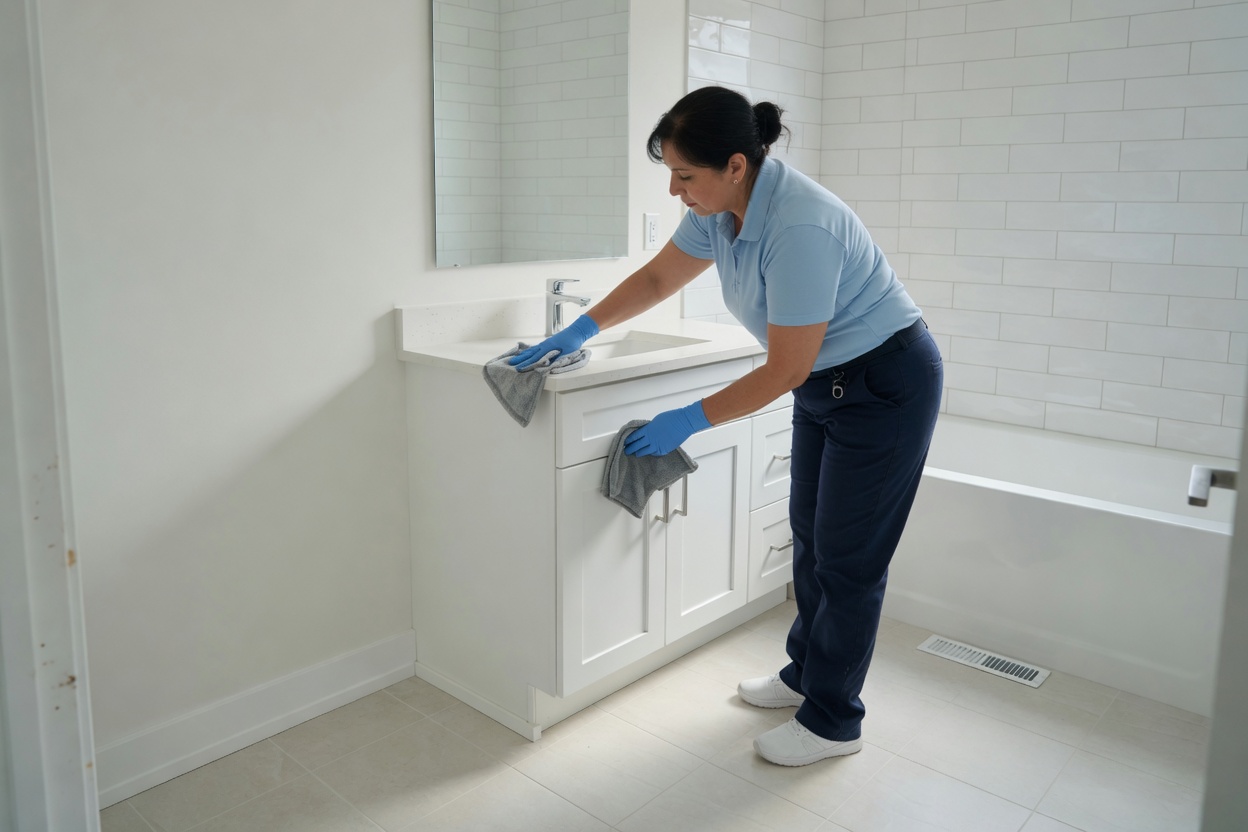
Show the current condition
Dust level, protective materials, labels, adhesive, paint concerns and the completion status of fixtures or finishes can change what should be reviewed before work is accepted.
Written-scope boundaries
The written estimate must separate accepted cleaning from work that requires another provider, added review or a different process.
Construction debris hauling, bulk-material removal and trade cleanup are not assumed.
Hazardous-material handling, biohazard conditions and unsafe access are not represented as accepted services.
Floor restoration is not offered. Machine carpet cleaning is included only when requested and written into the quote.
Exterior areas, active construction zones and unfinished trade corrections require explicit clarification.
Request to scheduling
Every job receives a walkthrough before the property-specific written estimate is prepared.
Describe the layout, construction status, current condition, remaining materials, access, and requested timing.
Review the construction stage, interior surfaces, requested cleaning, access, and exclusions at the property.
Only the accepted scope, limits and timing move forward to scheduling.
Final-phase conversation
The service supports an agreed cleaning handoff. It does not certify construction quality, complete a trade inspection or promise that every mark, material or condition can be addressed.
Describe the property“Show us the stage, surfaces and remaining conditions. The written scope defines what comes next.”

Post-construction cleaning
Share the construction stage, current condition, rooms, access, and requested handoff, then schedule the walkthrough.
Start the estimate request